File Types Guide
Understanding which file formats work best for custom apparel printing
Vector Files
Why Vector Files Are Best
Portable Document Format
Universal format that preserves vector quality and can be opened on any device
Adobe Illustrator
Native Illustrator format with full editing capabilities and layer support
Encapsulated PostScript
Industry standard for print production, widely compatible
Scalable Vector Graphics
Web-friendly vector format, great for simple logos and icons
Raster Files
Important Requirements
Supports transparency, lossless compression, ideal for web graphics
High quality, uncompressed, professional standard for photography
Compressed format, smaller file sizes, some quality loss
Limited to 256 colors, not recommended for print
Color Mode Matters
CMYK
For PrintCyan, Magenta, Yellow, Black - the standard color mode for printing. Files in CMYK will reproduce more accurately on garments.
RGB
For ScreenRed, Green, Blue - designed for digital screens. RGB files may shift in color when converted for print.
File Preparation Tips
Outline Your Fonts
Convert text to outlines/curves to prevent font substitution issues.
Flatten Transparency
Flatten any transparency effects to ensure accurate reproduction.
Include All Assets
Package linked images and fonts when sending design files.
Not Sure About Your Files?
Send us your artwork and our team will review it to ensure it is print-ready
Continue Exploring
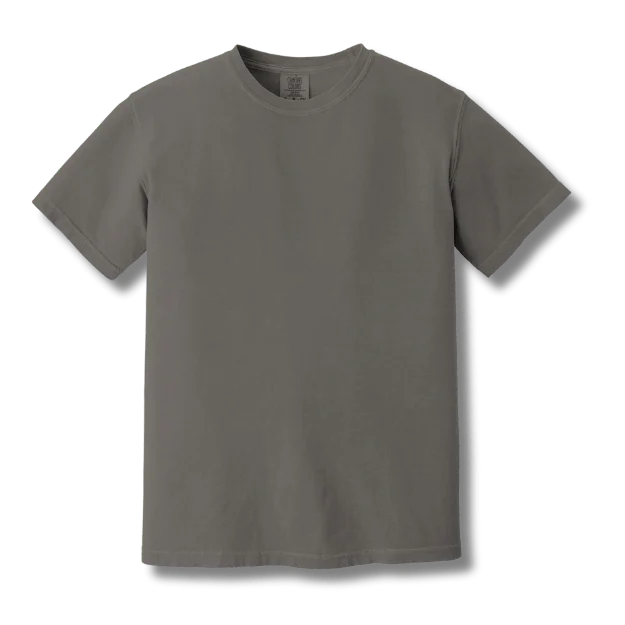
Custom T-Shirts
From $8.99 — 100+ styles
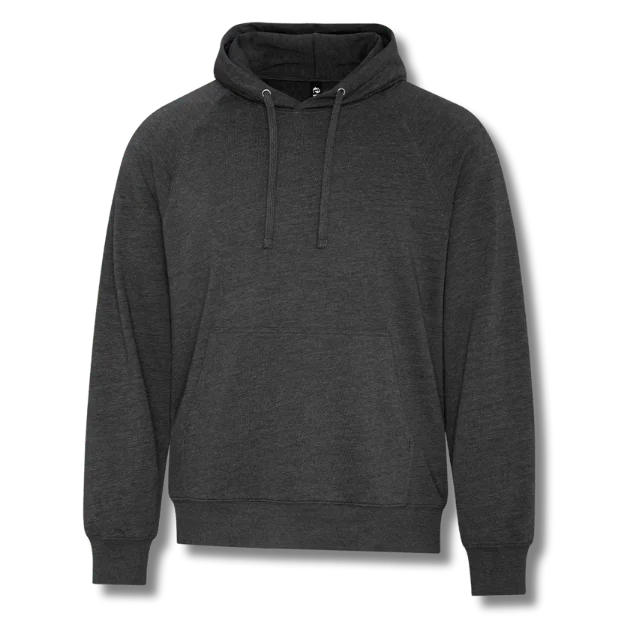
Custom Hoodies
Pullover & zip-up styles
Custom Polo Shirts
Corporate & team wear
Explore More Resources
Local Services
Buying Guides
- How to Choose the Right T-Shirt
- Pricing Guide
- Best Custom T-Shirts Toronto
- Best Custom T-Shirts Montreal
- Custom T-Shirt Printing Costs Canada
- Custom Apparel for Podcasters
- Screen Printing vs DTF vs Embroidery
- Logo Placement Guide
- Production Timelines
- Same-Day Printing
- Rush Screen Printing
- Next-Day T-Shirt Printing
Comparisons
Top Reviews
Our Services: T-Shirt Printing · Screen Printing · Embroidery · DTF Printing · DTG Printing · Sublimation · Heat Transfer
More Canadian Cities: Kitchener · London · Windsor · Victoria · Surrey · Saskatoon · Regina · Halifax